Updating your login PIN regularly helps keep your business communications secure. This guide explains how to change your PIN using the bOnline mobile app.
Before
Ensure you have the bOnline mobile app installed and are logged in.
You must know your current (previous) login PIN to set a new one.
Your new PIN should be a secure, six-digit number.
Steps to Change Your Login PIN
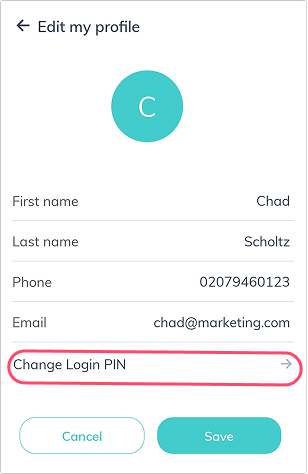
In the My Profile section, locate the PIN settings.
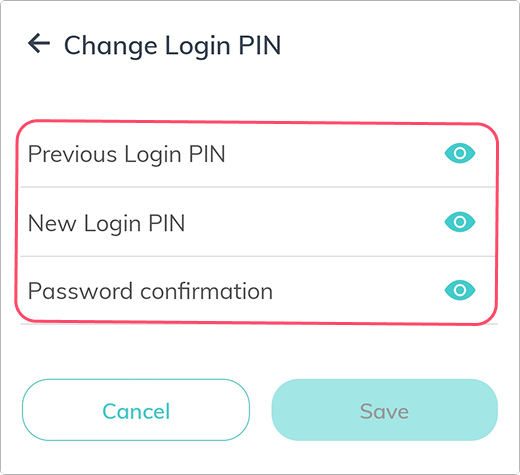
You may enter your Previous Login Pin, New Login Pin and repeat it for Password Confirmation.
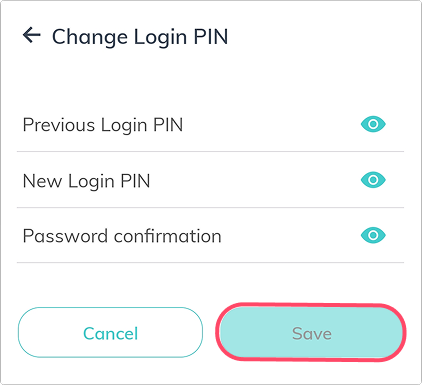
Tap Save.
Was this article helpful?
That’s Great!
Thank you for your feedback
Sorry! We couldn't be helpful
Thank you for your feedback
Feedback sent
We appreciate your effort and will try to fix the article