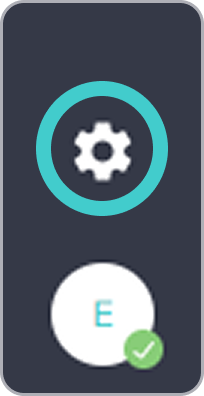
These instructions cover the additional settings available in the bOnline desktop app. To access these, click Settings in the bottom-left of the screen.
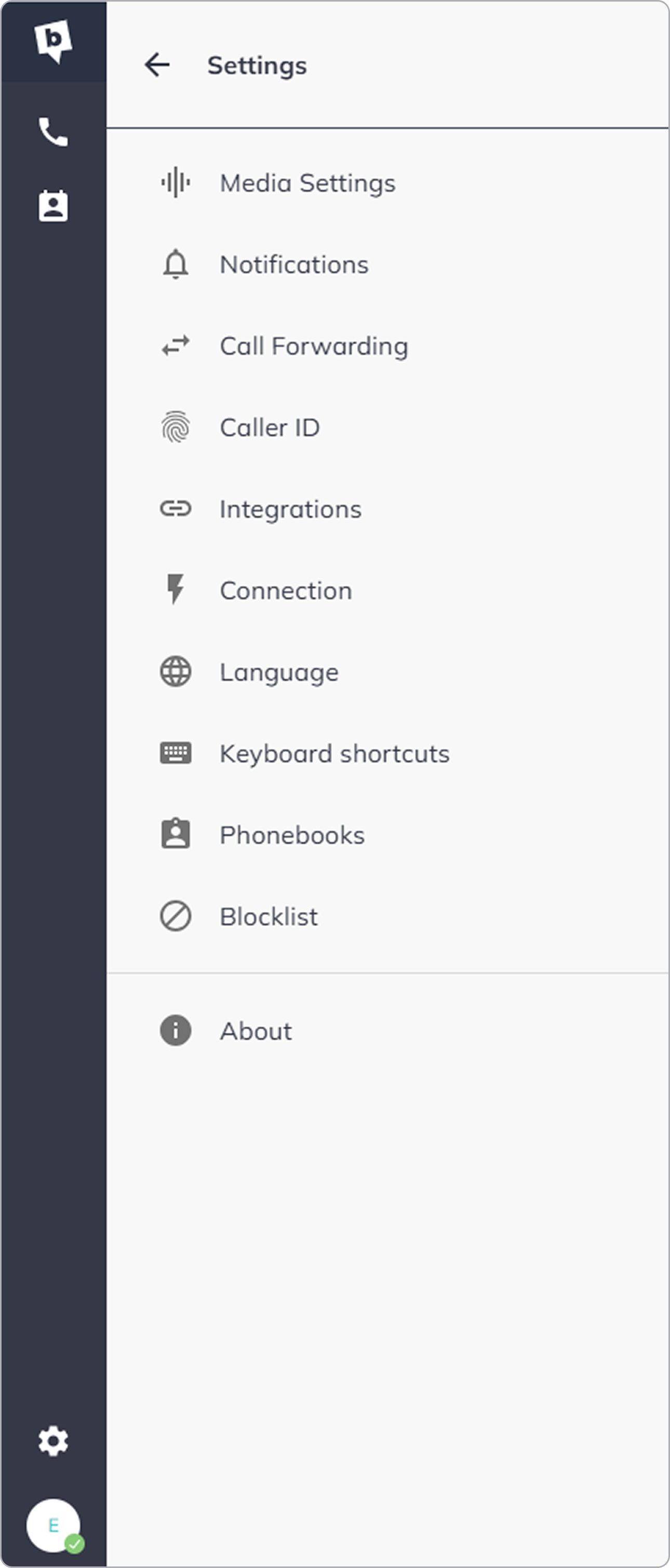
This is a list of all our settings:
Available settings
Media settings
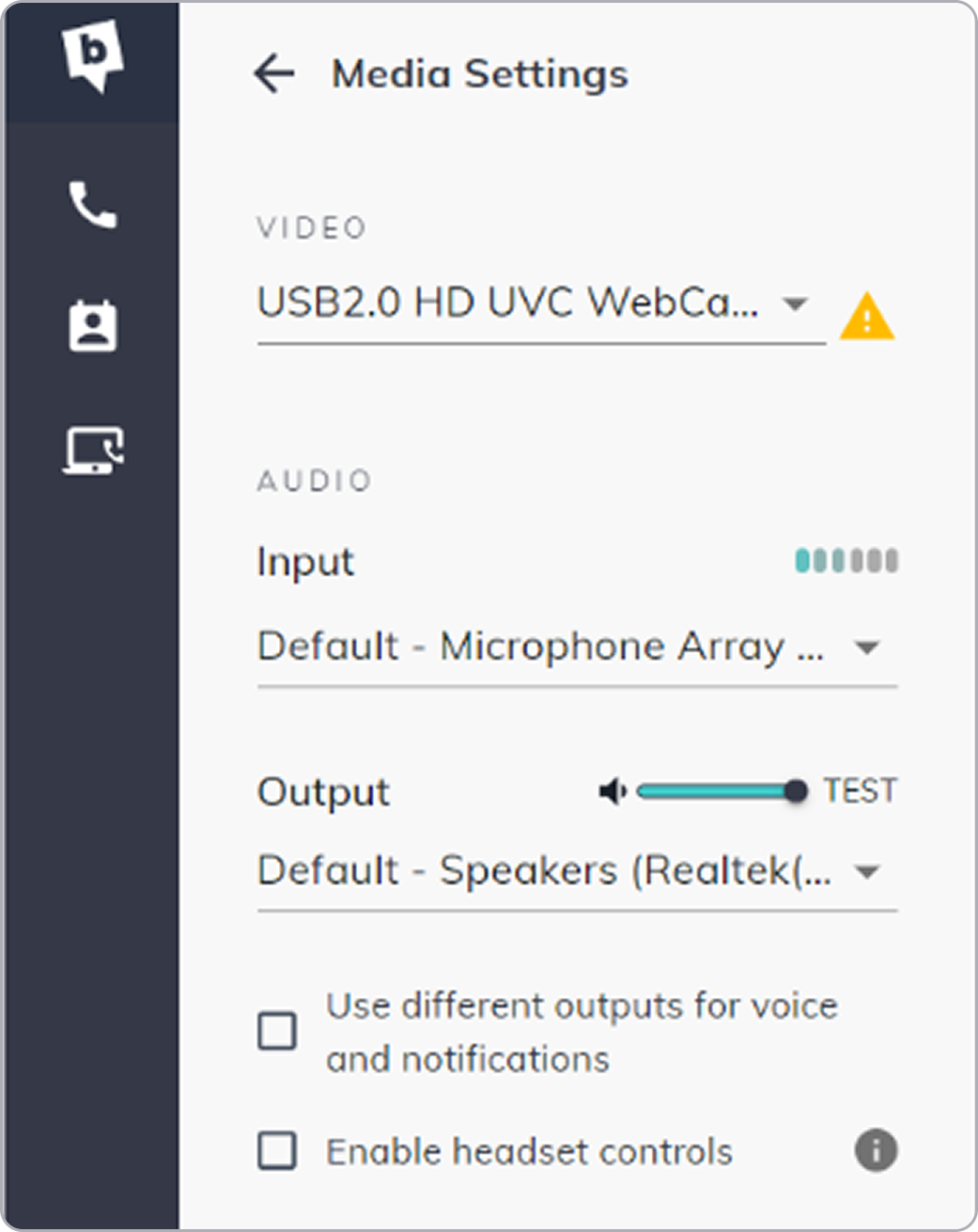
From Media Settings you can:
- Change your video and audio input devices.
- Control your sound output settings.
- Control your headset from an external app.
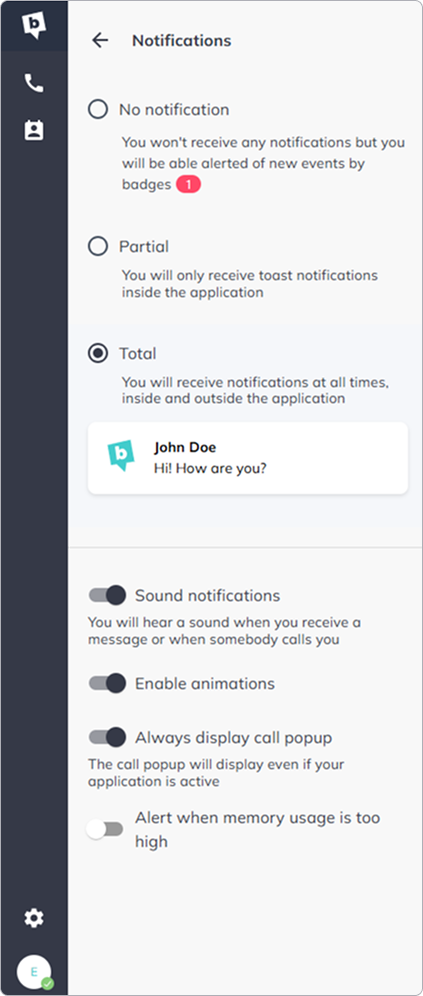
- Notifications - manage how and when the app alerts you to incoming calls, missed calls, and messages.
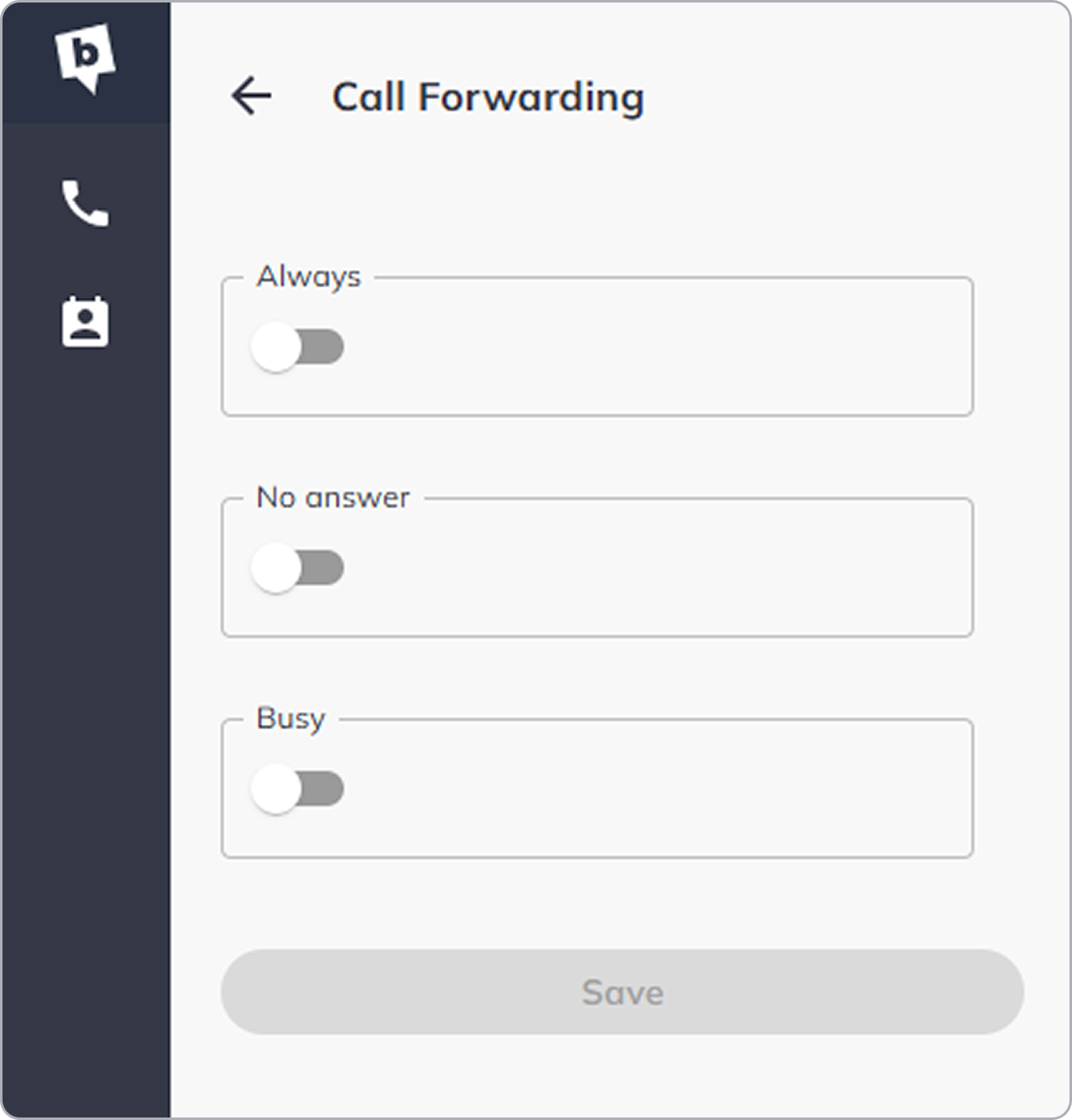
Call Forwarding - redirect incoming calls to another number or device when you are unavailable.
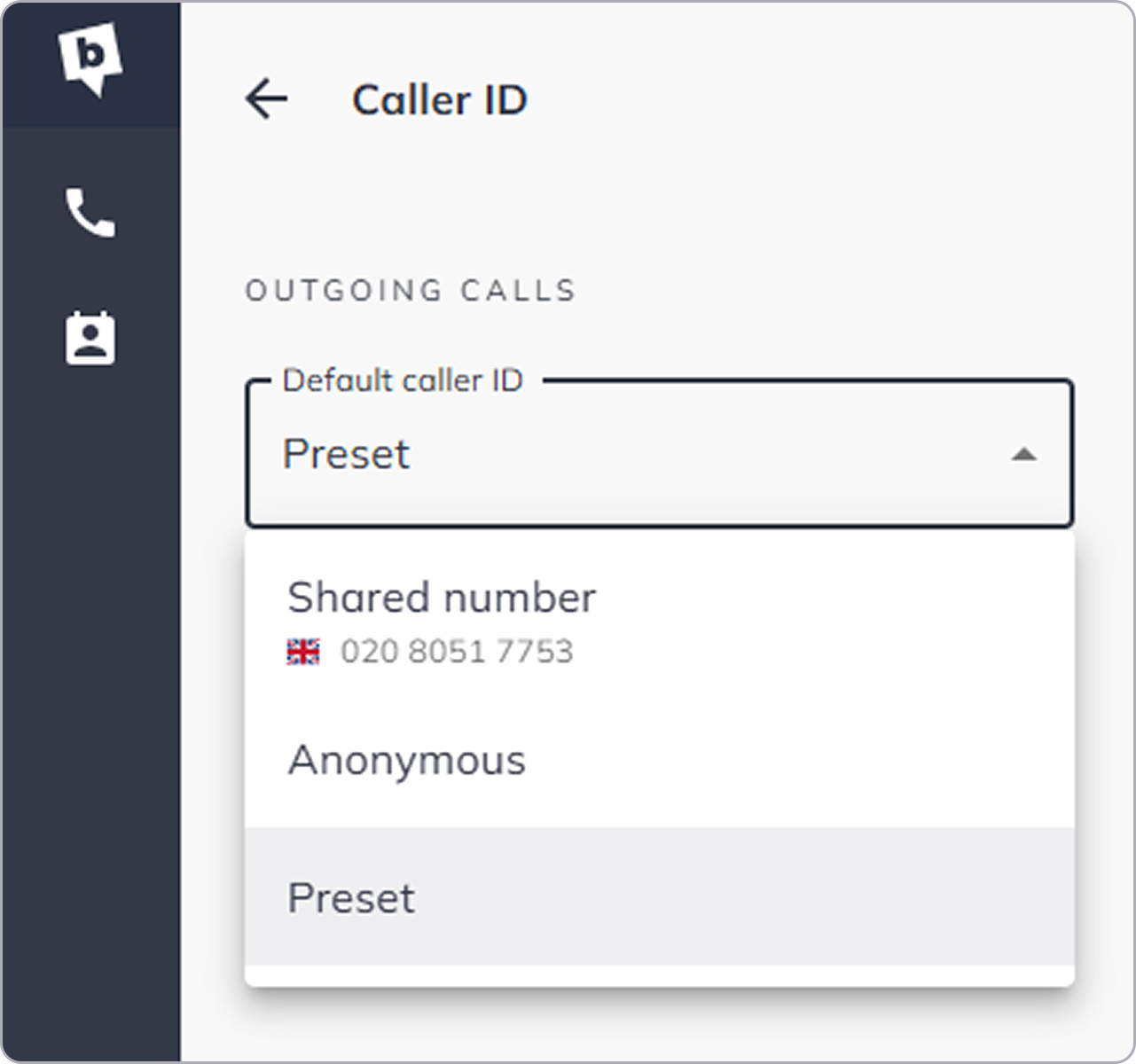
Caller ID - choose which number is displayed to the person you are calling.
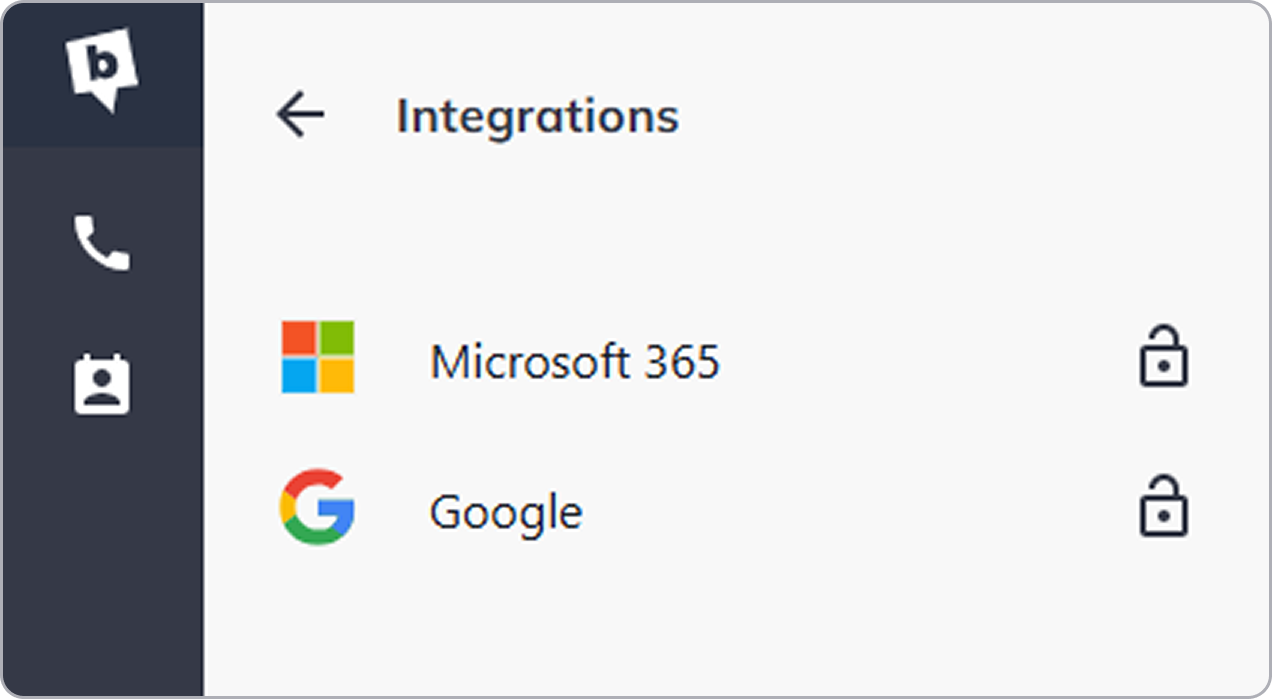
Integrations - connect the bOnline desktop app to third-party tools such as Office 365 and Google Contacts.
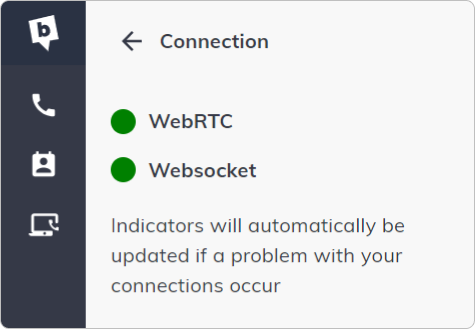
Connection - shows whether there is a problem with your internet connection.
Language - change the app's default display language.

Keyboard shortcuts - configure shortcuts to answer, mute, transfer calls, and more.

Phonebooks - turn any contact directory on or off, or adjust the order in which your phonebooks are displayed.

Contact Us
We're always up for a chat! Live chat is available via the mybOnline sidebar or from the bottom-right corner of this page.
Other Contact Options
Reach the support team via WhatsApp for quick queries.
Log in to mybOnline and use the in-portal contact options.
Was this article helpful?
That’s Great!
Thank you for your feedback
Sorry! We couldn't be helpful
Thank you for your feedback
Feedback sent
We appreciate your effort and will try to fix the article