Your call logs lets you track every business interaction, ensuring no lead or customer query is missed. This guide explains where to find and manage your call logs within the bOnline mobile app.
Before You Start
Ensure you have the bOnline mobile app installed on your iOS or Android device.
Log in using your bOnline login details.
Ensure your device has an active internet connection (Wi-Fi or mobile data).
Steps to Access Call History
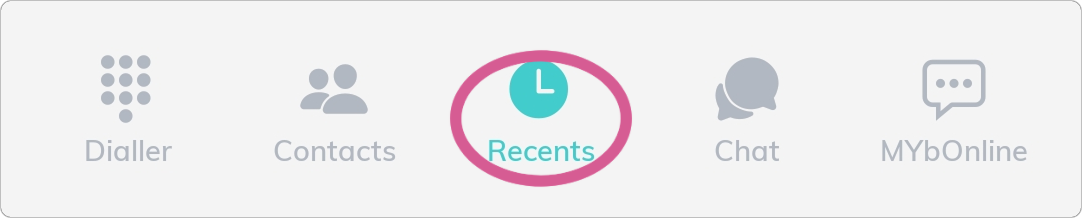
Tap Recents at the bottom of the screen within the app.
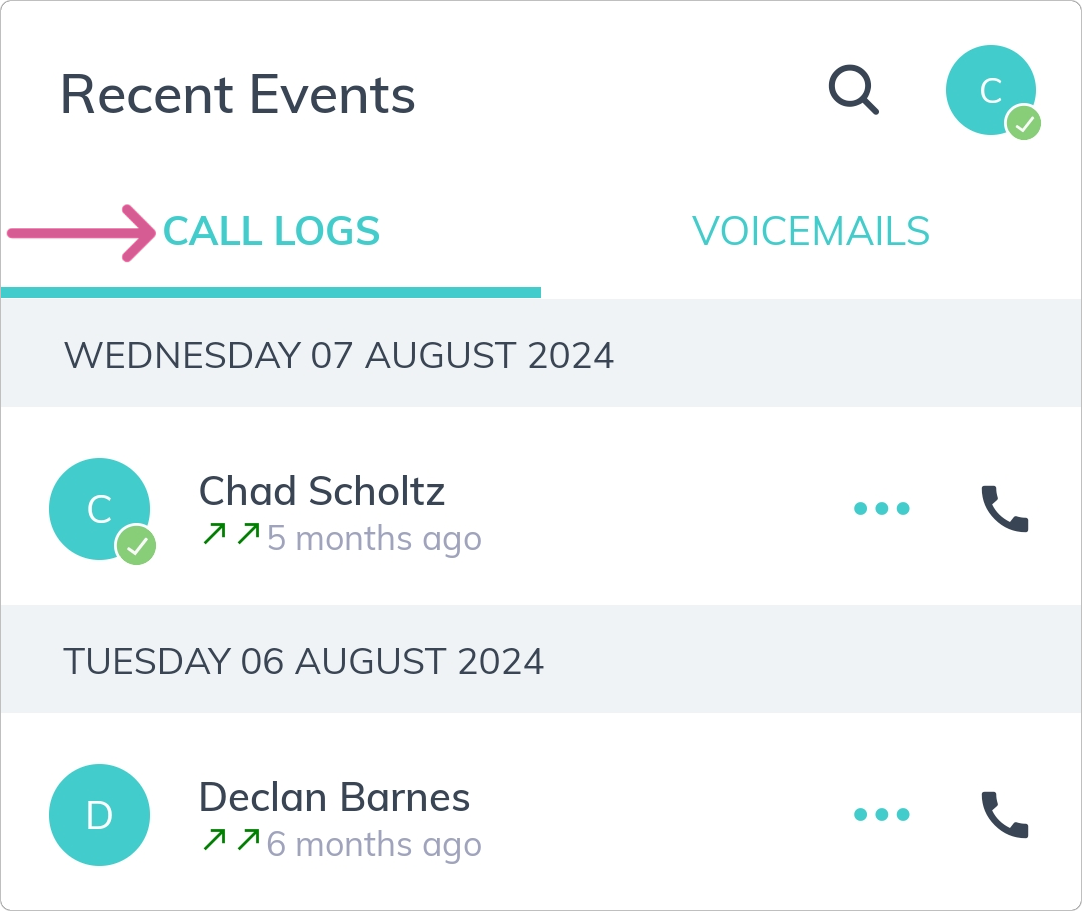
2. Your 'Call logs' will display all incoming, outgoing, and missed calls.
Was this article helpful?
That’s Great!
Thank you for your feedback
Sorry! We couldn't be helpful
Thank you for your feedback
Feedback sent
We appreciate your effort and will try to fix the article